DCENT X
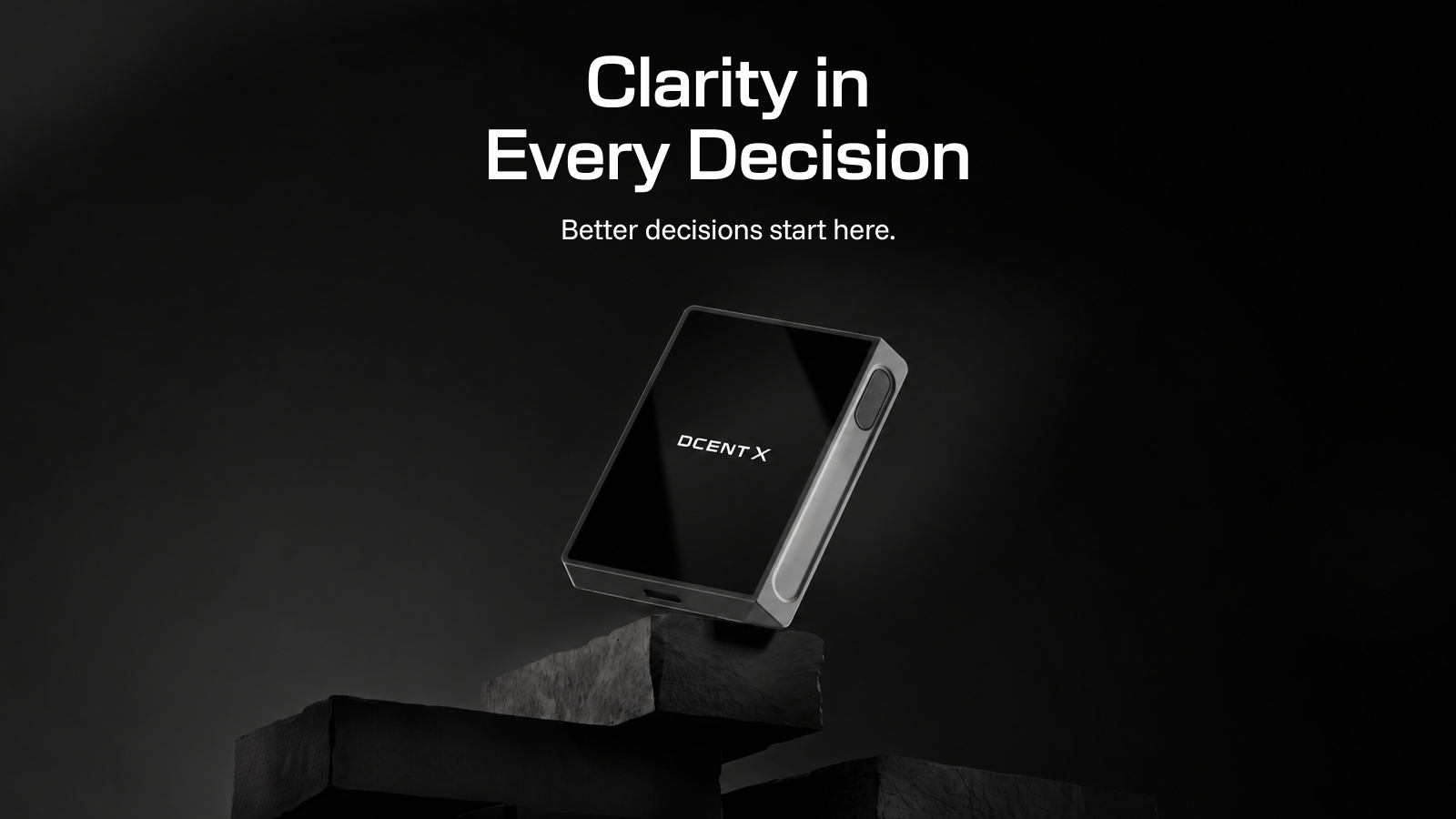
What is DCENT X?
DCENT X is a cold wallet with a 2.4" AMOLED color touchscreen (a hardware wallet that stores your crypto private keys on an offline device). Review transaction details with your own eyes on the device screen, then sign with your fingerprint in 0.5 seconds — and manage 100+ networks and 10,000+ coins and tokens in a single wallet. Your private key is generated and stored inside an EAL6+ certified secure chip and never leaves it.
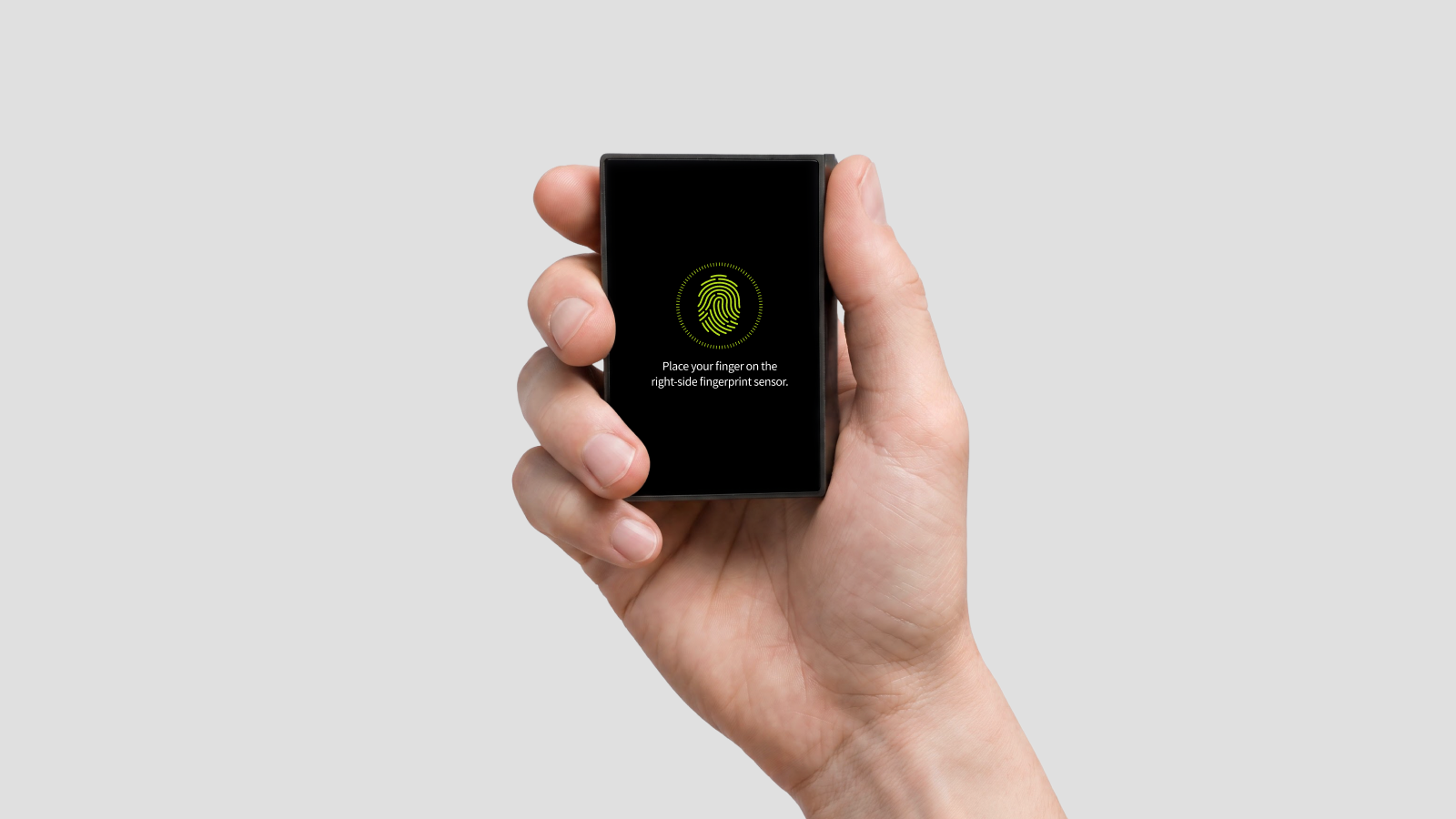
Your fingerprint is the key
Place your finger on the right-side sensor and you're authenticated in 0.5 seconds. Approve transactions instantly with no password to remember or type — and because your fingerprint is uniquely yours, there's nothing to lose or steal. A 4–8 digit PIN works as an alternative. Your fingerprint data is stored in the same secure chip as your private key — even the device software can't look inside.
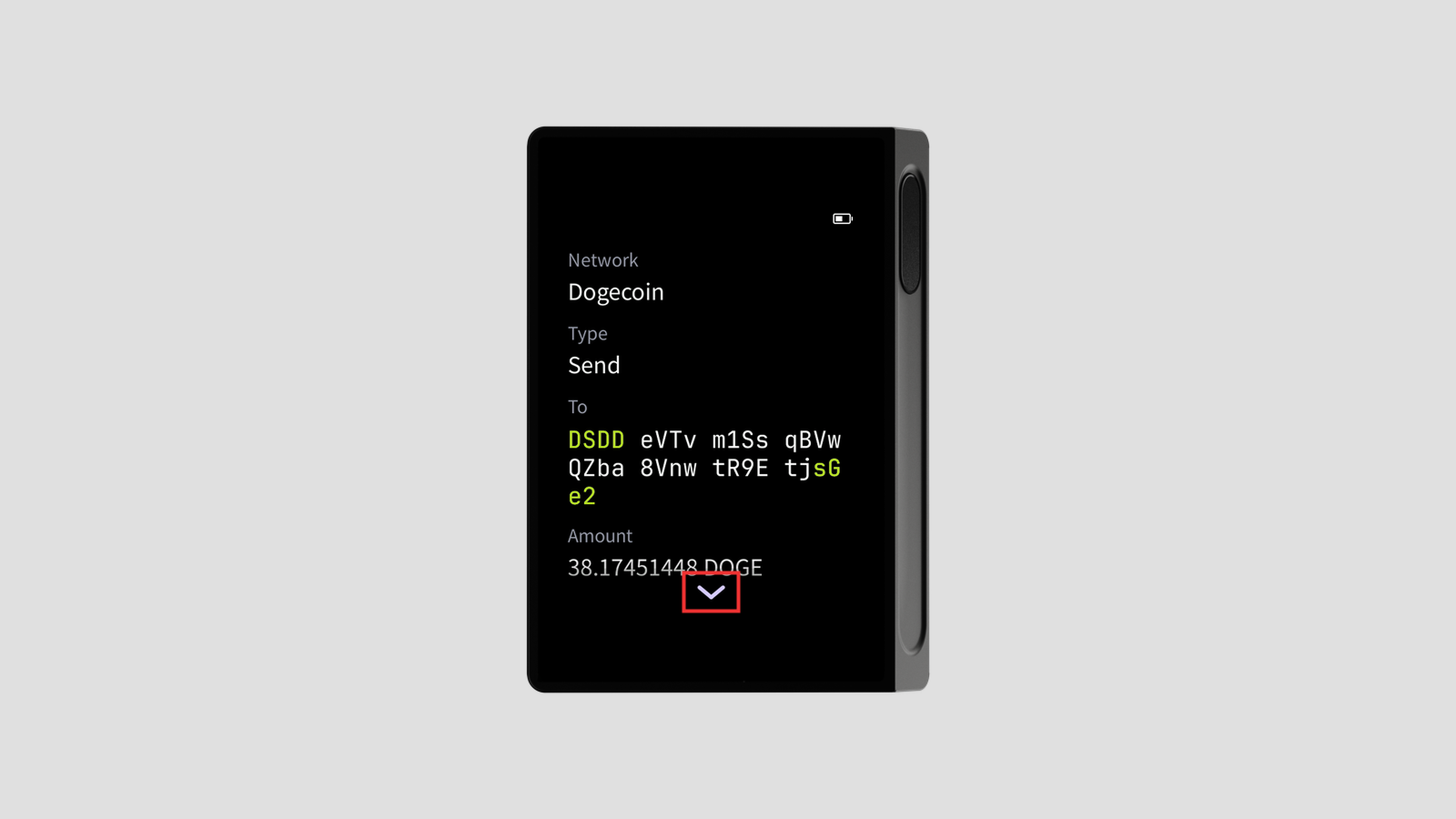
What you see is what you sign
Your PC and phone can both be hacked. That's why the final check must happen on the device screen. Before signing, scroll through the transaction's detailed fields — recipient address, amount, and more — directly on the device. Seeing exactly what you sign prevents phishing.
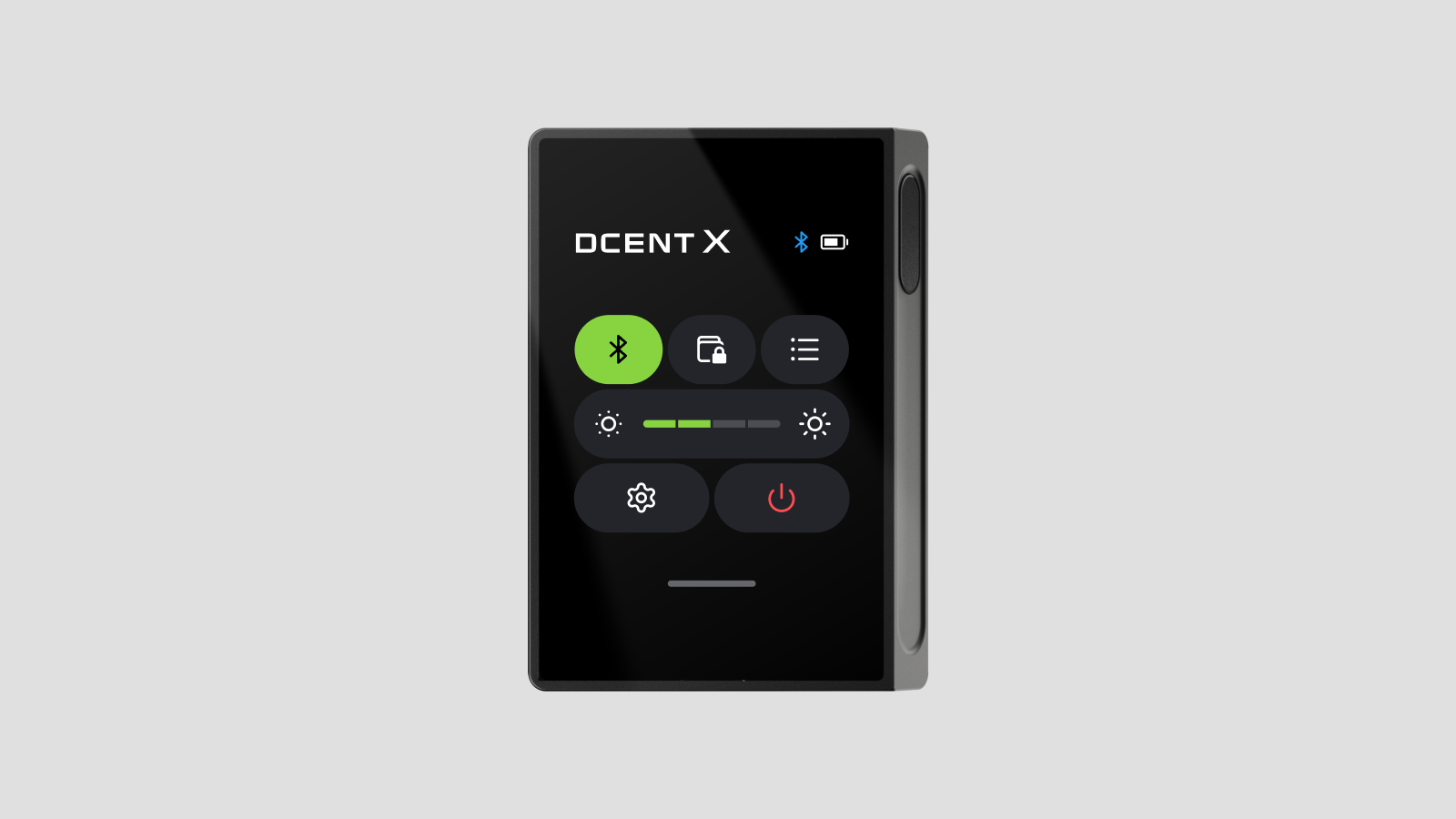
Crystal clear, even in bed at 2 a.m.
The self-illuminating AMOLED display stays legible in the dark, with 4 brightness levels so you can read every detail of what you sign, anywhere. Navigate with swipe gestures and the Control Center, just like a smartphone — and it fits comfortably in one hand, ready to use anywhere.
A vault guarded by a top-grade secure chip
Your private key is generated offline and stored encrypted inside an EAL6+ certified secure chip — the same class of CC-certified secure element used in bank cards and e-passports. Tamper-resistant by design: if chip removal or tampering is detected, or a wrong PIN is entered repeatedly, the chip locks itself down, protecting your assets even against physical attacks.
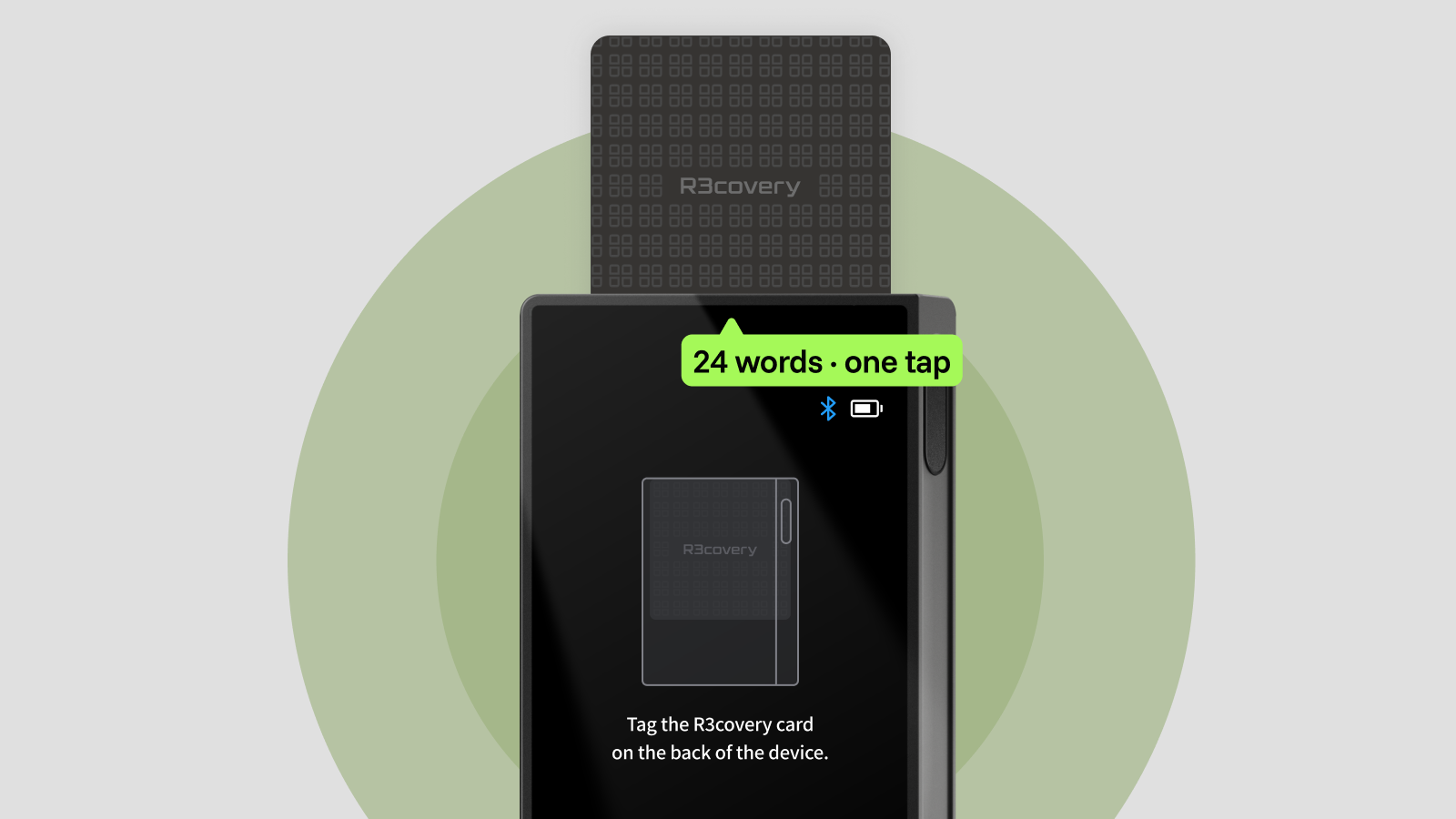
Don't write it down — tap it. R3covery backup
Copying 24 recovery words onto paper, one by one? You don't have to anymore. Tap the R3covery card on the back of the device and your recovery words are stored — fast, and reassuring. If the device is lost or replaced, a single tap restores your wallet. No paper mnemonic, no subscription, no cloud. Manual mnemonic entry is still available if you prefer it.
Learn more about the R3covery card
Security that goes deeper — passphrase and privacy
- Permanent passphrase wallet — a hidden wallet created by combining your mnemonic with an extra phrase. It persists even when the device is powered off.
- Hide all accounts — hide every account shown on screen behind PIN authentication.
Verified genuine, every time you power on
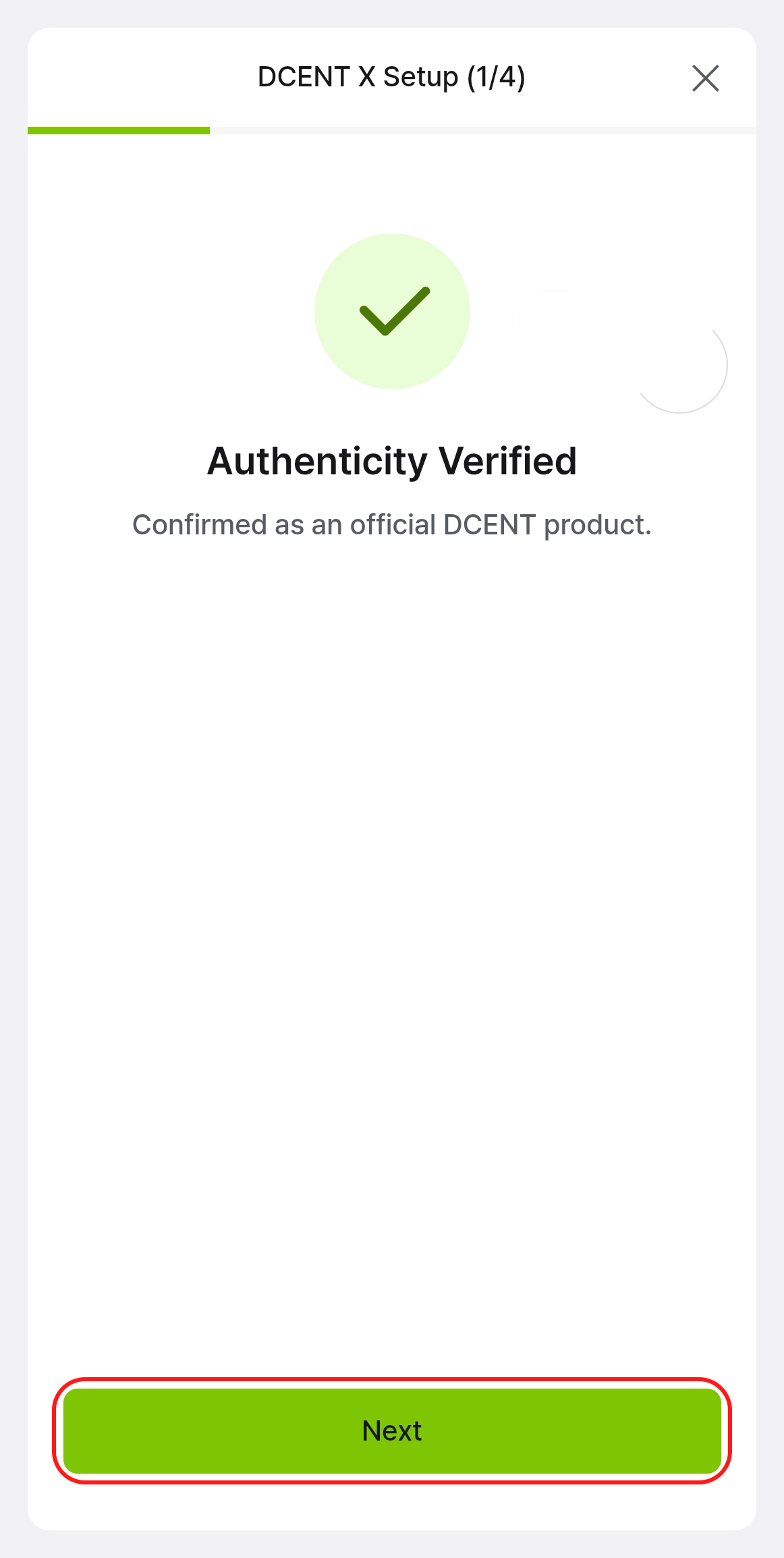
Every boot automatically verifies the firmware's authenticity, blocking unauthorized software changes — and on first connection, the mobile app verifies that your device is genuine (Genuine Check), screening out devices tampered with in the supply chain.
Wakes when you need it, sleeps when you don't
With a built-in battery and a low-power design that shuts down each component when idle, the battery lasts — even if it's been sitting in a drawer for a while. Charging is simple via USB-C.
One-Time passphrase wallet
Try unfamiliar services without worry. It's a wallet for that moment only — power off and it vanishes without a trace, leaving your main assets untouched. It lasts only until you power off; to use it again, simply enter the same passphrase.
Specifications
| Item | Details |
|---|---|
| Display | 2.4" AMOLED color touchscreen (450×600) · 4 brightness levels |
| Authentication | Fingerprint (0.5s, up to 2) + 4–8 digit PIN |
| Secure chip | EAL6+ certified secure element — offline key generation · tamper-resistant design |
| Connectivity | Bluetooth 5.0 (app pairing) · USB-C · NFC (R3covery card only) |
| Power | Built-in battery · USB-C charging · per-component low-power design |
| Supported networks | 100+ networks · 10,000+ coins and tokens |
| Backup | R3covery NFC card · mnemonic (12/18/24 words, T9 entry) |
| In the box | DCENT X device + C to C USB cable (R3covery card included in the kit) |
| Best fit | Users who want to see on screen and sign with a fingerprint, Biometric Wallet upgraders |
Next steps
- Initial setup — power on and create your first wallet.