Bluetooth
Under Settings > Bluetooth, you pair with the mobile app over BLE (Bluetooth Low Energy). The menu has Connect device and Reset paired devices.
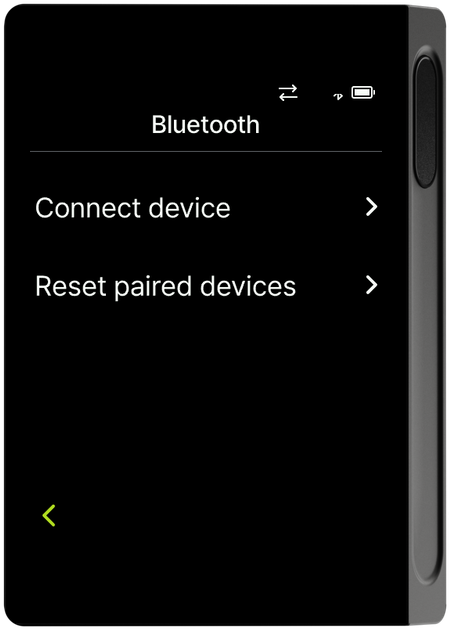
Connect device
When you select Connect device, a pairing QR code screen appears. Scan this QR code with the mobile app to connect. For the actual connection steps using the QR code, see Connect with the mobile app over Bluetooth.
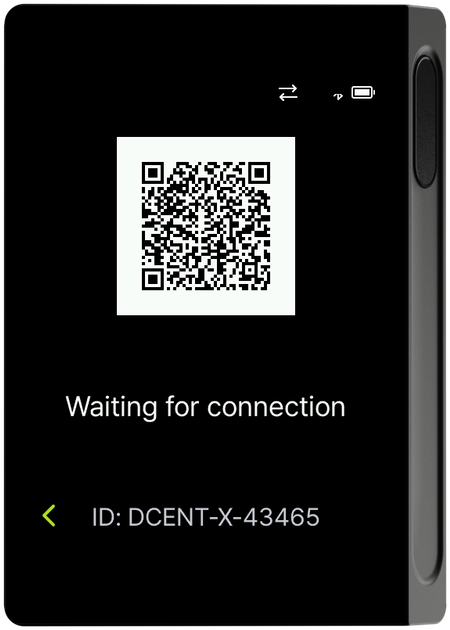
Reset paired devices
Reset paired devices deletes all pairing (connection) information registered on the device. All registered devices are removed, and you must also unpair the Bluetooth registration on the phone you connected.
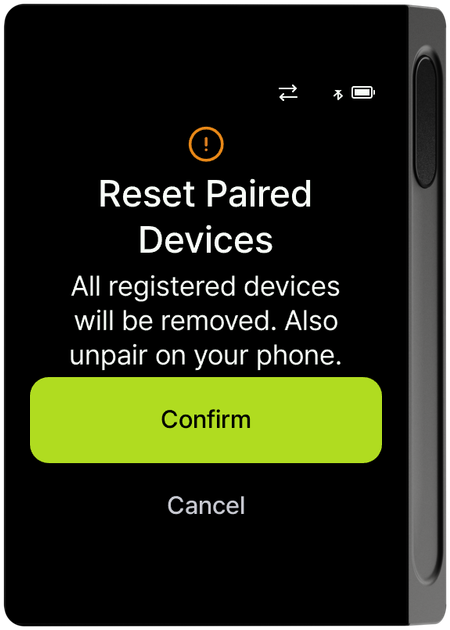
info
After resetting, to reconnect with the mobile app, check the newly shown pairing code and connect again. See Connect with the mobile app over Bluetooth for the steps.