Device Info
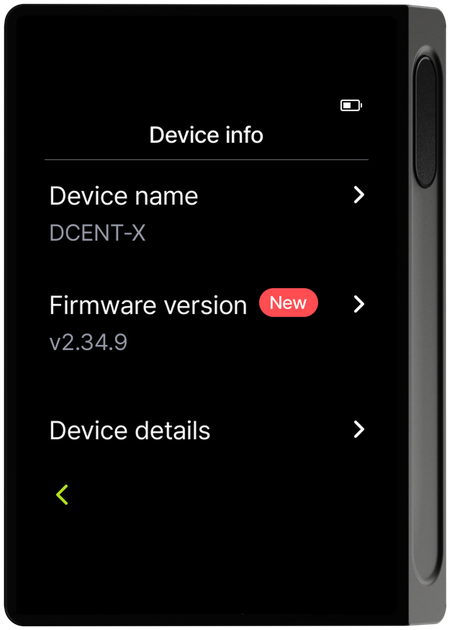
In the Device Info menu you can rename the device and check the firmware version and detailed info.
Rename the device
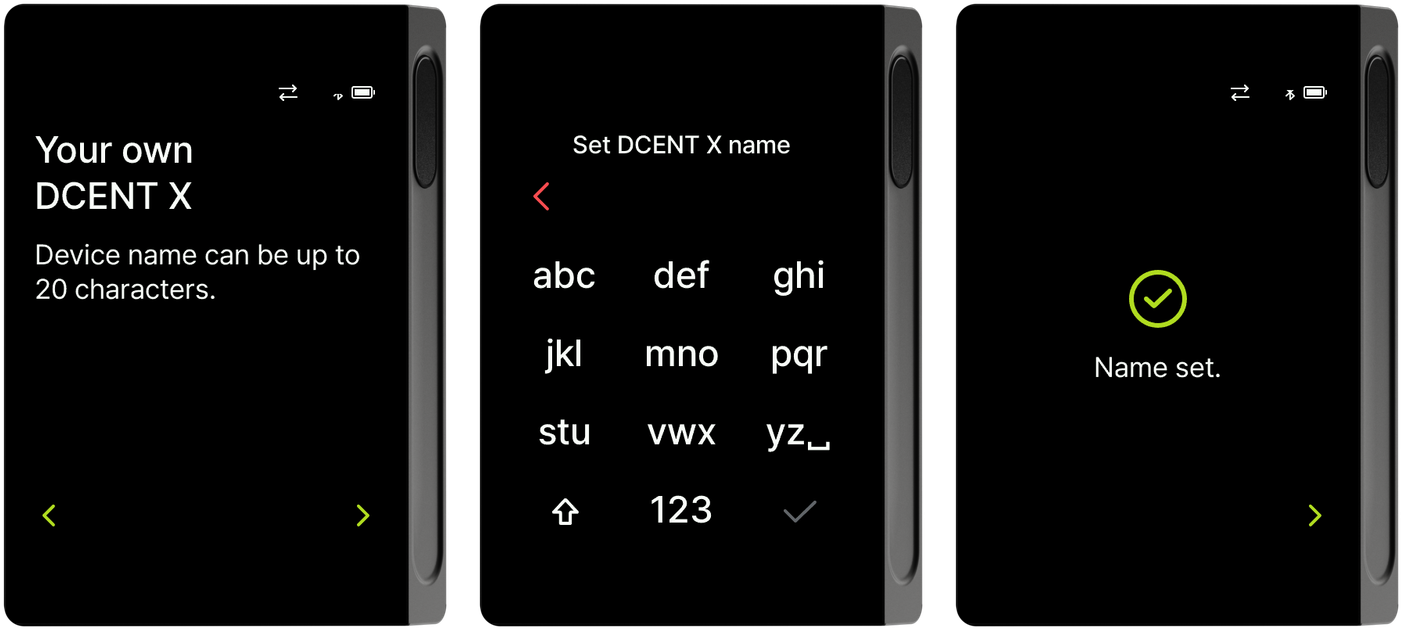
Tapping Device name shows a notice that the name can be up to 20 characters. Enter the name you want on the T9 keypad and tap Done at the top left to finish setting the name.
Firmware version
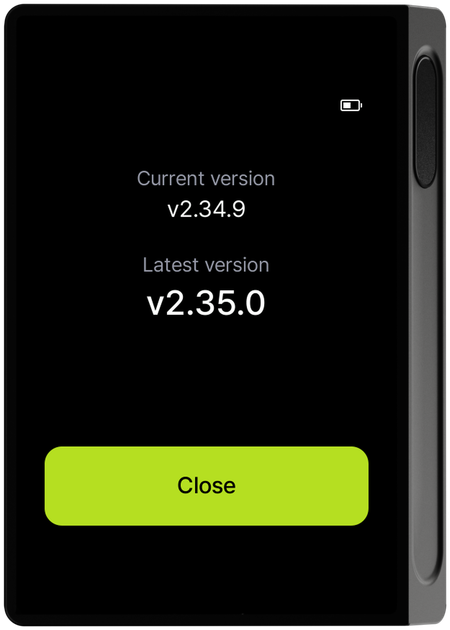
For how to update the firmware, see Firmware Update.
Detailed info
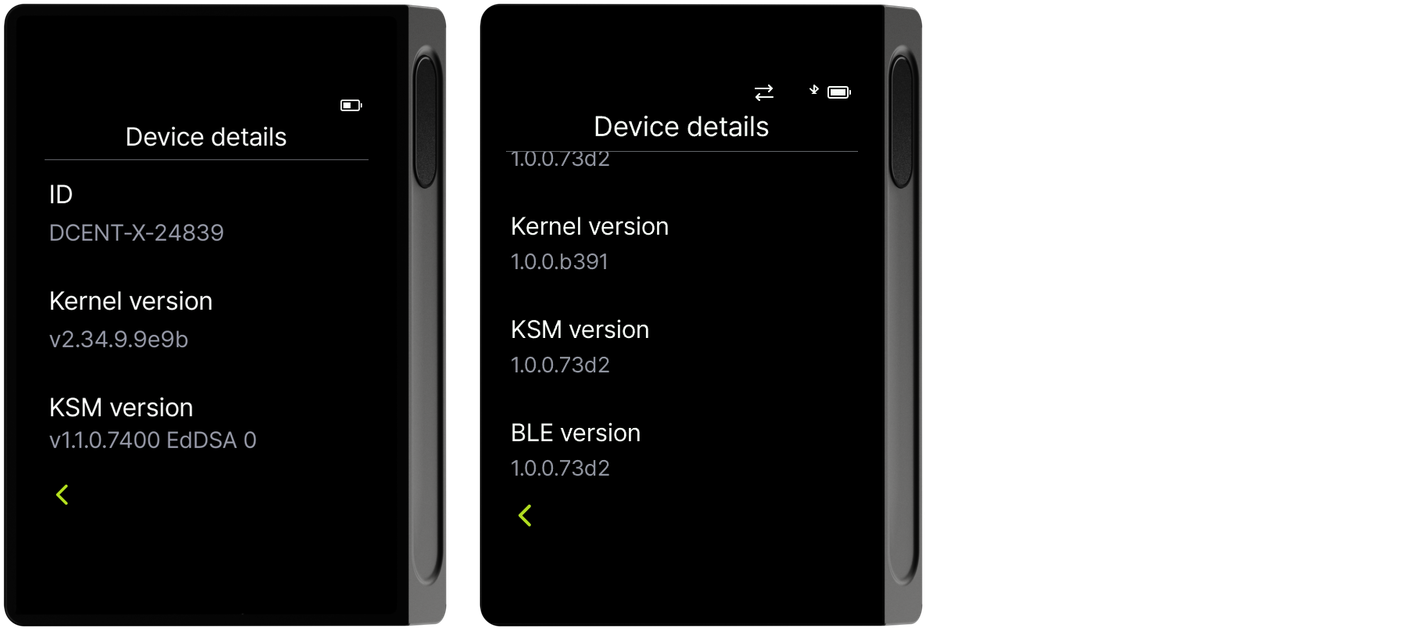
On the detailed info screen you can check the device ID, bootloader version, kernel version, KSM version, and BLE version. Scroll down to see the remaining items.