System
System settings
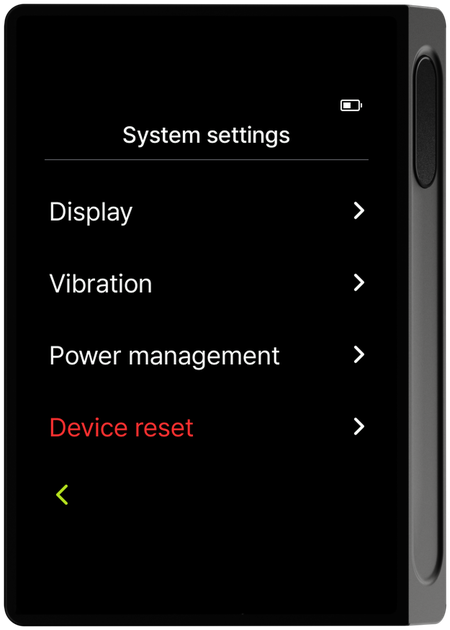
The System menu covers Display, Vibration/Haptics, Power Management (auto-lock, auto power-off), and Reset device.
- Display — Configure display options such as screen brightness.
- Vibration/Haptics — Turn vibration feedback on or off for button presses and notifications.
- Power Management — Set how long the device waits with no input before automatically locking the screen or powering off.
- Reset device — Erase all wallet information and settings stored on the device, returning it to its initial state.
To reset the device, you must pass both PIN and mnemonic code (24 recovery words) verification.
Display
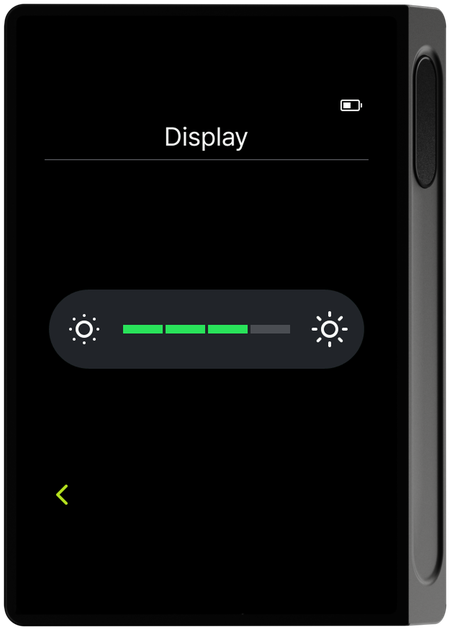
Tapping the Display menu shows a screen brightness slider. Drag the gauge between the sun icons at each end left or right to adjust screen brightness in real time.
Vibration/Haptics
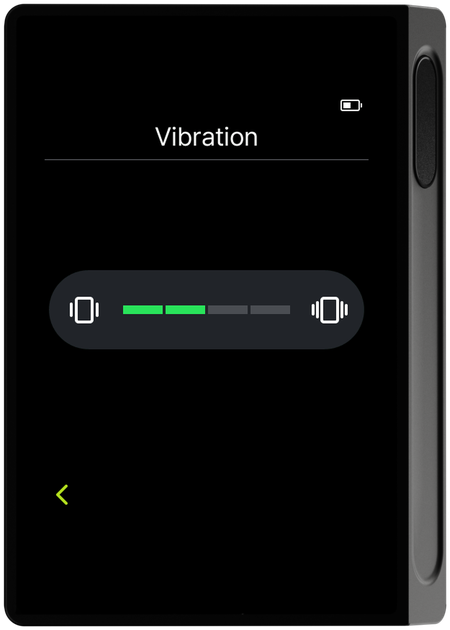
Tapping the Vibration menu shows a vibration intensity slider. Drag the gauge left or right to adjust the vibration intensity.
Power Management
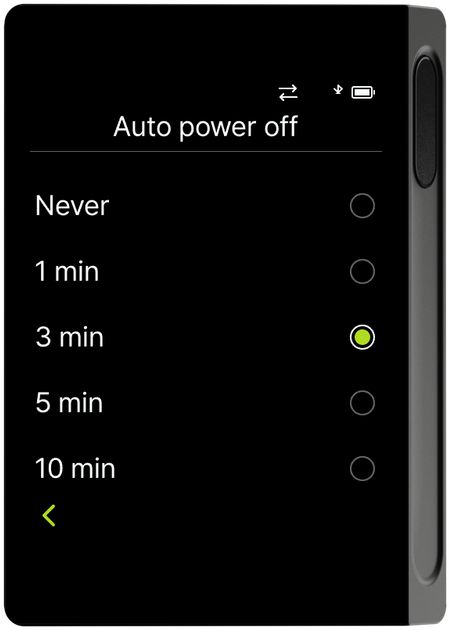
Tapping the Power Management menu shows a list of "Auto screen lock" and "Auto power off" items, each with its current time setting. Tap either item to change it to the time you want.
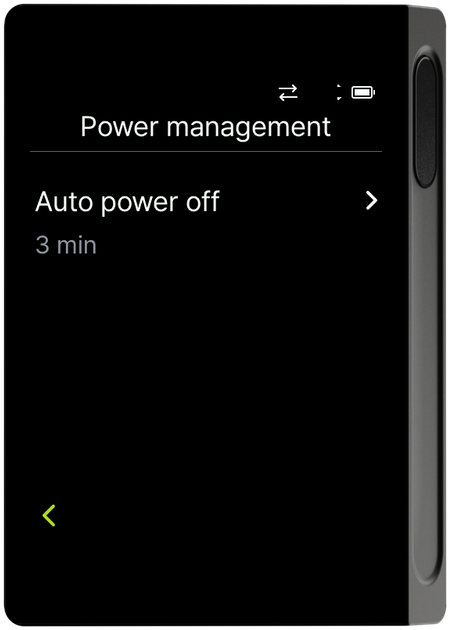
Auto power off defaults to 3 min; tap the item to choose from the following times.
- Never
- 1 min
- 3 min
- 5 min
- 10 min
Reset device
Reset device erases all wallet information and settings stored on the device, returning it to its initial state. The procedure is as follows.
-
Select Reset device in the System menu.
-
Enter your PIN to verify it's you.
-
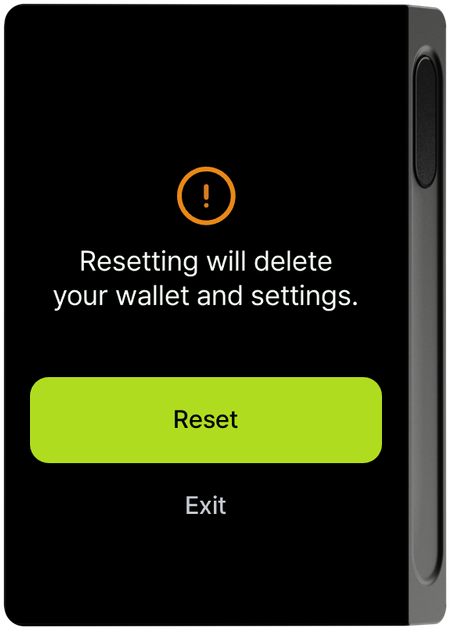
A warning screen appears saying the reset will delete your wallet and settings.
-
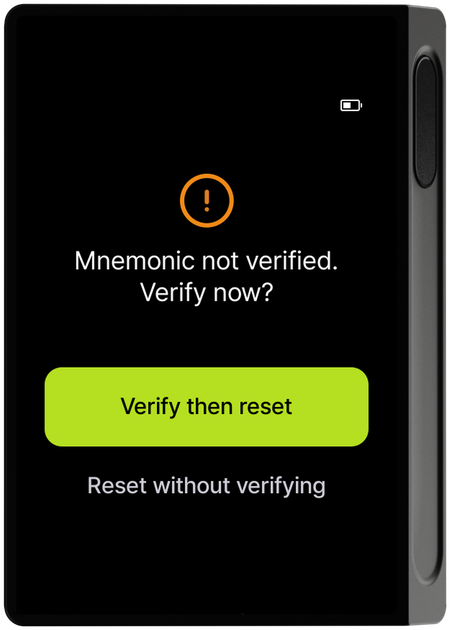
If you didn't confirm your mnemonic (recovery words) during initial setup, a screen follows asking whether to check the mnemonic before resetting. (This is the same safeguard as resetting an R3covery card.)
-
Tap the Reset button to run the reset. When it's done, the device restarts and you go through initial setup again, starting from language selection.
Resetting the device cannot be undone. A reset erases the device's wallet, so be sure to safely keep your recovery words (mnemonic) and R3covery card backup before proceeding. Without the mnemonic or a backup, you cannot recover your wallet. For how to set up again after a reset, see Initial Setup and Recovering your DCENT X wallet.