Switch DApp Browser Account
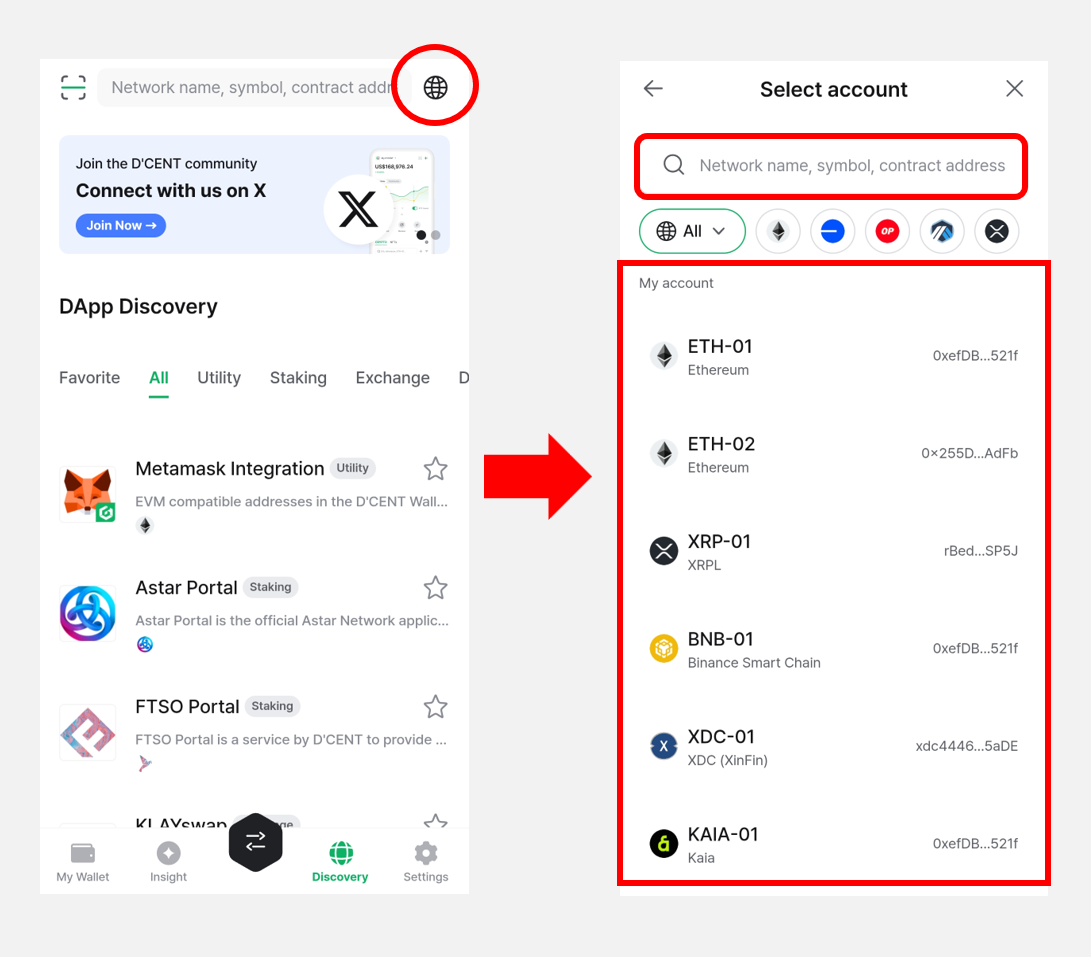
Tap the Network (🌐) icon at the top right of the Discovery tab to change the account and blockchain network used in the DApp browser.
You can pick a different account that has already been added to the wallet from the list, or use the search bar to find and select the account and network you want.
For the full list of supported networks, see here.
More blockchain networks will be added to the DCENT DApp browser over time.